
Welcome to the Deposit and Withdrawal Page of the Y222 Game. This section allows users to manage money through the wallet area of their account. Available payment methods, transaction limits, and processing times may change, so always check the latest information shown inside the app.
Y222 Payment Methods
Depending on current availability, Pakistani users may find options such as:
- JazzCash
- Easypaisa
- Bank Transfer
Only use payment details shown through the official platform.
How to Deposit Money in Y222 Game?
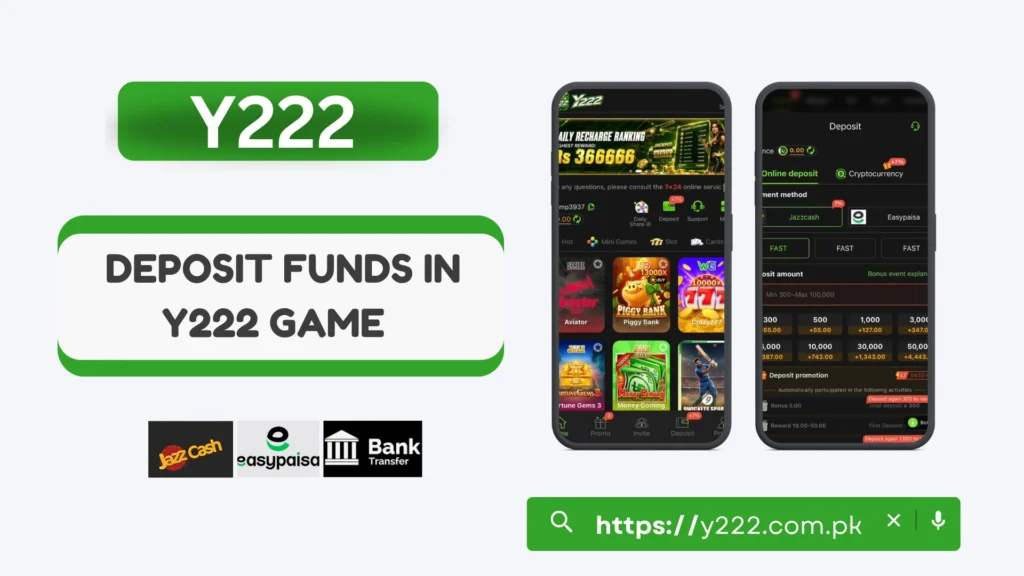
Step 1: Log in to Y222.
Open your account and go to the wallet section.
Step 2: Select Deposit
Tap the Deposit or Recharge option.
Step 3: Choose Payment Method
Select one of the currently available methods.
Step 4: Enter the Amount
Add your deposit amount within the displayed limits.
Step 5: Complete Payment
Follow the instructions shown on the screen.
Step 6: Check Your Balance
After payment, confirm that the amount has been added to your Y222 wallet.
How to Withdraw Money from the Y222 Game?
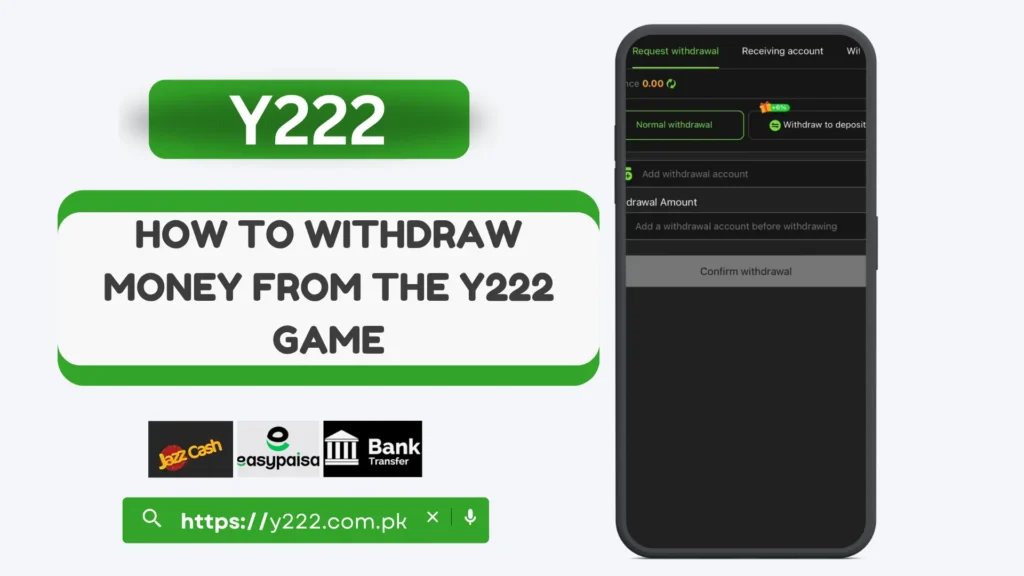
Step 1: Open Withdraw
Login and select the Withdraw option from your wallet.
Step 2: Select a Payment Method
Choose an available withdrawal channel.
Step 3: Enter Payment Details
Add the required receiving account or wallet information carefully.
Step 4: Enter Withdrawal Amount
Choose an amount that meets the current withdrawal limits.
Step 5: Review Your Details
Check the information before submitting your request.
Step 6: Submit Withdrawal
Confirm the request and check the transaction status where available.
Important Payment Tips
Deposit Not Showing?
First check whether the payment was completed successfully. If the balance is not updated after the normal processing period, keep your transaction details and contact the available Y222 support service.
Withdrawal Pending?
A withdrawal may take longer because of payment processing, verification, incorrect details, or account checks. Review your withdrawal status and contact support if the stated processing time has passed.
Final Words
The Y222 Deposit and Withdrawal process can be managed through the wallet section of your account. Always check the latest payment methods, limits, and withdrawal requirements before making a transaction.
Double-check your information before confirming any payment, and keep your Y222 account details private.